
Qooqie Leads FAQ
Answers to the questions we get asked most about Qooqie Leads, your plan and your account. Have a question about Call Tracking? Then see the ‘Call Tracking FAQ’.
General
What is Qooqie Leads?+
Qooqie Leads helps you get more leads from your website traffic. Through the widget on your website, visitors get in touch with Call me now, Call me later, WhatsApp, an appointment in your calendar, a message or a form. An AI Chatbot answers visitors’ questions. And with Company recognition you see which companies visit your website.
Are Qooqie Leads and Call Tracking one product?+
No, they are two separate products, each with its own subscription. You choose whether to use one or both. You sign in to both with the same account.
Can I try Qooqie Leads before I pay?+
Yes. With the Trial you use all features for 14 days. The 14 days start as soon as the script is on your website. After that you automatically move to Free, unless you choose Pro. You only add a payment method when you choose Pro.
Can I switch plans later?+
Yes. In Qooqie Leads, go to Plan & Billing and click ‘Change plan’. Choose Free or Pro. With Pro you set the amounts yourself, such as call leads per month, calendars and company recognitions, and you can add custom forms. That way you pay for the room you need. If you choose Free, you switch after your current subscription ends. Note: only an admin can change the subscription.
Do prices include VAT?+
No, all prices exclude VAT. You choose whether to pay monthly or yearly. With yearly billing you pay per year in advance and get a yearly discount.
How quickly can I get started?+
Straight away. Create an account, set up your Call To Actions and place the script on your website. As soon as the script is on your website, your 14-day Trial starts. Want to see how it works first? Request a demo.
Call To Actions and AI Chatbot
Can I use several Call To Actions at once?+
Yes. You switch on several Call To Actions and the visitor chooses in the widget what suits them best at that moment. Under Website Widget > Visibility you use conditions to decide on which pages, when and for which countries they are shown. Note: not every Call To Action is included in every plan. For example, the AI Chatbot is not included in Free.
Where does the AI Chatbot get its information from?+
From the sources you add under Call To Actions > AI Chatbot > Sources: your website (the whole website or single pages), files (PDF, DOCX or TXT, up to 15 MB per file) and your own text. Without sources, the chatbot knows nothing about your business. Read more in ‘How to set up the AI Chatbot’.
Does the chatbot always stay up-to-date?+
Not by itself. The chatbot uses what it learned from your sources at the last training. Has your website changed? Then click ‘Retrain’ under Sources. The chatbot then reads your website again: new pages are added and changed pages are trained again. You can do this once a week. Files and your own text are not read again. For those, upload a new file or click ‘Edit own text’.
Account and login
What is my username?+
You sign in with the email address of your Qooqie account and your password. Did you sign up with Google? Then you can also use ‘Sign in with Google’. Forgot your password? Click ‘Forgot your password?’ on the sign-in screen.
Why am I not receiving the email with the verification code?+
Here are three possible solutions: check the spam folder in your email program, wait a few minutes and check that you are logging in with the correct email address. You can view and change your email address via the account menu at the top right > ‘My account’.
More support articles
How to manage users
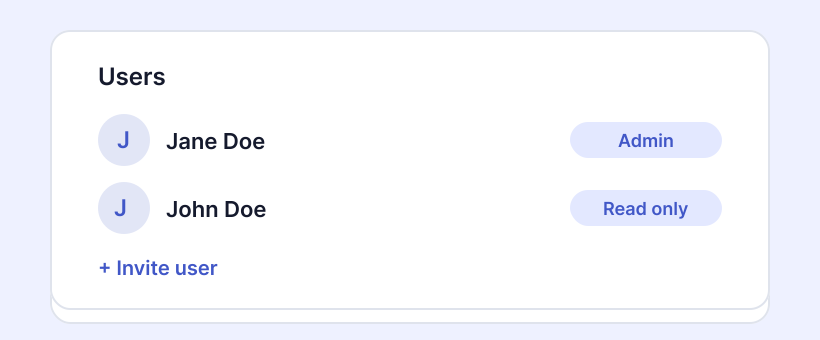
Under Settings > User Management in the Qooqie call tracking application, you can do the following things:
How to work with the call overview
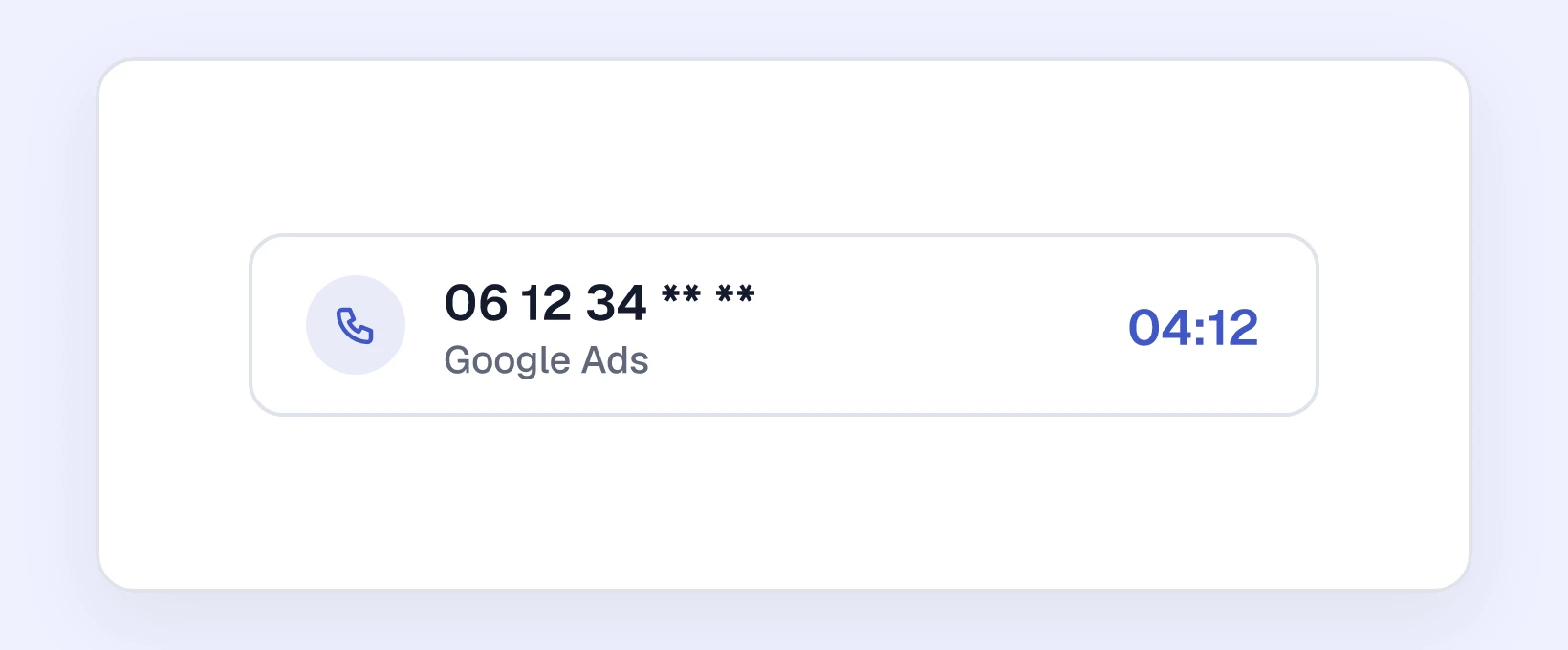
The call overview shows every call to your call tracking numbers, with the traffic source, campaign, rating, recording and details.

How to add a Google Ads call extension
A Google Ads call extension is a phone number displayed with a Google ad. Visitors can tap or click on it to call your business directly. If you replace your phone number in this call extension with…
Ready for more insights, more leads and better conversions?
Start optimizing your results.
Try it free for 14 days—no credit card required.