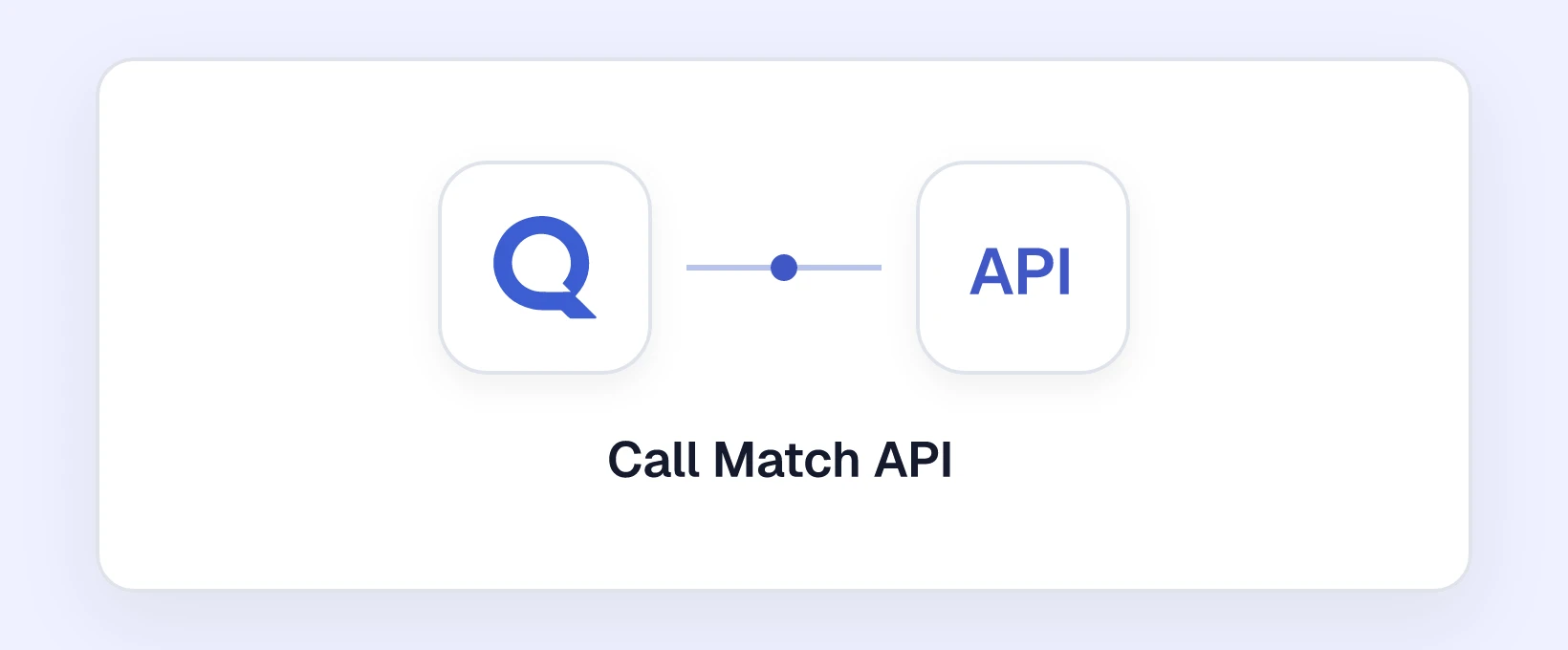
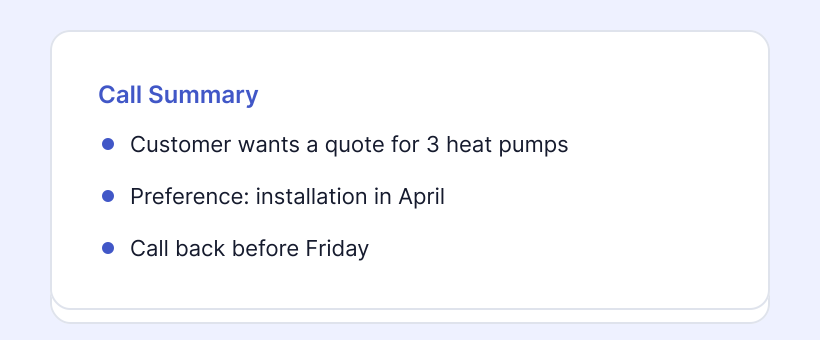
Billy Grace is a marketing attribution platform. With the Billy Grace integration, you send your calls to Billy Grace as an event. This way, you see phone calls as conversions in your Billy Grace reporting.
Note: you need administrator rights in the Qooqie call tracking application.
How it works
For every call from a visitor that Billy Grace recognises on your website, Billy Grace receives the event qooqie_tracked_call. An event is only sent if the call has a Billy Grace visitor and session. So check that the Billy Grace tracking is on your website.
Billy Grace is on by default. Eligible calls are therefore already sent, even if you never changed this setting.
Turning Billy Grace on or off
- In the Qooqie call tracking application, go to Integrations > Billy Grace.
- Turn ‘Billy Grace inschakelen’ (Enable Billy Grace) on or off.
- Click ‘Opslaan’ (Save).
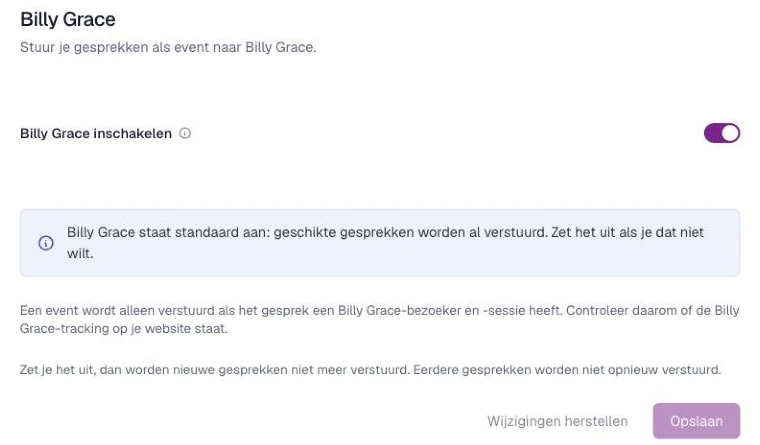
If you turn it off, new calls are no longer sent. Earlier calls are not sent again.